Share your secondary school shortlist for a second opinion
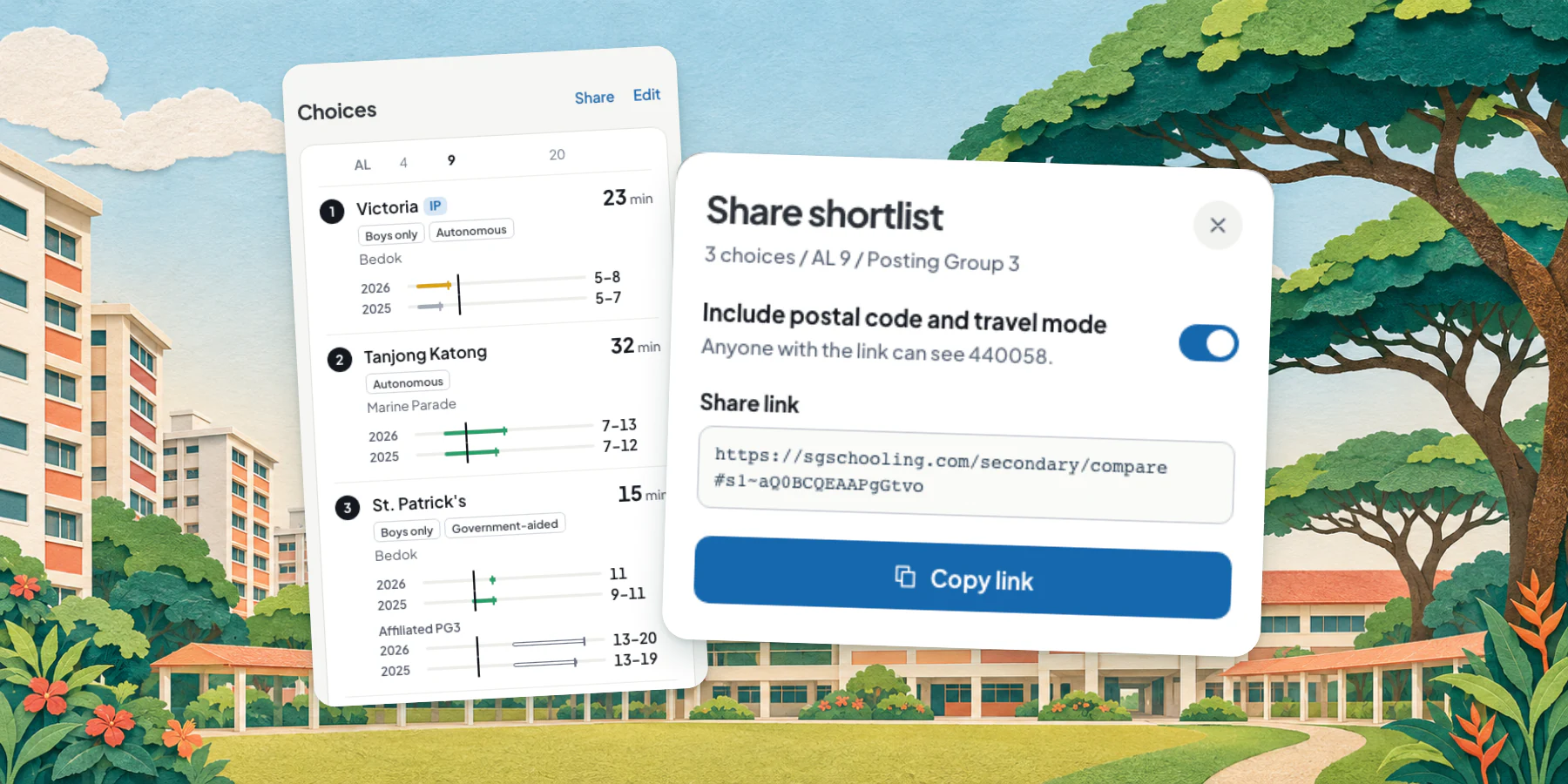
Would you swap our second and third choices? We built shortlist sharing because so many parents want a second opinion on which schools suit their child and what order to put them in.
On Compare schools, enter your child’s AL score, put the schools in order and tap Share beside Edit. If you’ve entered a home postal code, the link includes it and your travel mode by default. Switch that off if you’d rather keep those details private.
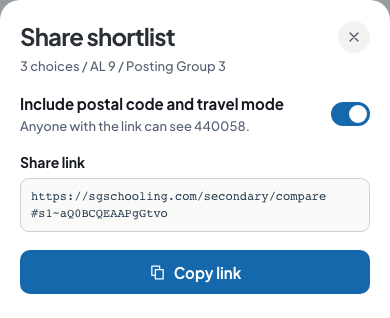
Tap Copy link and paste it into your family chat or parents’ group. Anyone who opens it can move a school up or down and send you their version. Your original shortlist stays as you arranged it.